
Best Windows 11 User Guide
Navigating the world of Windows 11 can feel like exploring a vibrant digital playground, where ease and efficiency intertwine seamlessly. Whether you're a seasoned tech enthusiast or a curious newcomer, this compact user guide will illuminate the key features and tricks to master your new operating system with confidence and flair.
Best Price-to-Performance: Windows 11 Quick Reference

| Highlights |
|---|
| Concise information |
| Helpful for quick learning |
| Clear comparison of Windows versions |
This laminated quick reference guide delivers crucial tips and shortcuts in a sleek, pocket-sized format that’s perfect for on-the-go users. For the price, it offers clear, straightforward information without the fluff, making it a fantastic choice for those who want quick answers without digging through lengthy manuals.
While it doesn't have visual aids or in-depth details, its compact format and easy-to-understand comparisons help streamline the learning process.
If you're after an affordable, efficient Windows 11 guide, this one hits the mark!
Be sure to also check out the best windows laptop under 200 for more options!
Best for Beginners: Windows 11 Guide

| Highlights |
|---|
| Easy to follow |
| Clear illustrations |
| Suitable for all skill levels |
This guide is perfect for beginners thanks to its easy-to-follow steps and clear illustrations.
It seamlessly caters to all skill levels, making complex Windows 11 features accessible without overwhelming you.
While it may not feature engaging stories or the latest tricks, it functions as a reliable manual, ensuring you get the most out of your Windows 11 experience.
Plus, its compact size makes it easy to reference whenever needed.
If you're looking for a straightforward, comprehensive, and friendly guide, this is an excellent choice to kickstart your Windows 11 journey.
Be sure to also check out the best windows tablet with cellular for more options!
Best for Power Users: Windows 11 Inside Out

| Highlights |
|---|
| Clear explanations and tips |
| Detailed and comprehensive |
| Helpful images included |
Windows 11 Inside Out is a treasure trove of information, perfect for power users who crave an in-depth understanding of every feature.
The book offers clear explanations paired with helpful images, making complex concepts easier to grasp.
Although its hefty 816 pages and small font might seem daunting, the detailed content truly justifies the investment.
Keep in mind, it's a bit pricey and doesn’t come with a digital version, but for those seeking comprehensive mastery, this guide is a top-tier choice.
Be sure to also check out the best mouse bungee for more options!
Best for Troubleshooting: Windows 11 Seniors Guide

| Highlights |
|---|
| User-friendly for seniors |
| Large text and visuals |
| Easy to understand |
This full-color manual stands out as the top choice for troubleshooting on Windows 11.
It’s packed with easy-to-understand step-by-step guidance, making technical issues feel less daunting.
The large text and clear visuals cater perfectly to seniors and beginners, ensuring no user feels lost.
While it may not satisfy power users seeking advanced features or interactive content, it excels at providing practical, bite-sized solutions that get the job done quickly.
If you need a straightforward, visually friendly guide that will help you resolve common issues with confidence, this manual is a fantastic, user-focused pick.
Be sure to also check out the best mini server for more options!
Teach Yourself VISUALLY Windows 11

| Highlights |
|---|
| Clear, well-organized guide |
| Visual learning focus |
| Easy for beginners |
The clear, well-organized layout makes it a breeze for beginners to grasp Windows 11's essentials.
Its visual learning focus means you won't be lost in a sea of text—pictures and diagrams are your best friends here.
However, seasoned users might find the limited upgrade instructions a bit underwhelming, especially if you're looking to dive deep into customization.
Some complex tasks still require a quick online search, but for those new to Windows 11, this guide offers an easy, straightforward introduction that covers the basics without hassle.
Be sure to also check out the best computer glasses for more options!
Windows 11 Seniors

| Highlights |
|---|
| Clear step-by-step instructions |
| Helpful visual illustrations |
| Beginner-friendly explanations |
The step-by-step instructions make navigating Windows 11 straightforward, even for those new to the OS.
The visual aids, though in black and white, serve as helpful references, guiding you through each process with clarity.
The explanations are beginner-friendly, ensuring you won’t feel overwhelmed.
While the screenshots could be sharper, the overall organization keeps you engaged and informed.
This guide is a great choice if you want easy-to-follow directions and practical tips to master Windows 11 without fuss or frustration.
Be sure to also check out the best mouse jiggler for more options!
Windows 11 All-in-One for Dummies Windows 11 User Guide

| Highlights |
|---|
| Easy to understand |
| Comprehensive and detailed |
| Great index for quick lookup |
For Dummies' Windows 11 guide is remarkably user-friendly and covers everything a casual user might need.
Its comprehensive yet clear explanations make troubleshooting and basic setup a breeze, especially with a great index for quick lookup.
While some sections are a tad outdated, the core information remains solid.
It's a perfect choice for those who want a detailed manual without the technical jargon, although it’s a bit heavy and bulky for on-the-go references.
Overall, a reliable resource for Windows 11 newbies and intermediate users alike.
Be sure to also check out the best computer accessories for more options!
Windows 11 For Dummies

| Highlights |
|---|
| Comprehensive coverage |
| Clear step-by-step instructions |
| Highly recommended for beginners |
For Dummies' guide to Windows 11 is like having a friendly tech expert by your side.
It’s perfect for beginners, offering clear, step-by-step instructions that demystify the new features and interface.
The book covers a broad range of topics, making it a comprehensive resource, although some sections might feel a bit outdated given rapid updates.
It's a great starting point if you want a straightforward walkthrough without unnecessary fluff.
Just keep in mind, it doesn't explore some of the latest media options in depth.
Overall, a highly recommended read to boost your confidence navigating Windows 11.
Be sure to also check out the best handheld router for more options!
Windows 11 Seniors Guide

| Highlights |
|---|
| Easy to understand |
| Suitable for seniors |
| Step-by-step instructions |
Easy to understand, this guide is perfect for beginners or seniors stepping into Windows 11 for the first time.
The step-by-step instructions make navigating new features seamless and stress-free.
While it may lack an index and could delve deeper into some topics, its simplicity is actually a strength for those who want quick, straightforward help.
At just 161 pages, it’s concise without feeling overwhelming—ideal for a quick read that gets straight to the point.
Overall, a solid choice for anyone needing a clear, accessible Windows 11 user manual.
Be sure to also check out the best das storage for more options!
Windows 11 For Dummies Windows 11 User Guide

| Highlights |
|---|
| Clear and helpful guidance |
| Easy to follow |
| Updated for Windows 11 |
The For Dummies guide offers clear and helpful guidance that’s perfect for both beginners and intermediate users.
It's easy to follow, breaking down complex Windows 11 features into digestible steps, so you won't feel overwhelmed.
Plus, with up-to-date content, it covers all the recent updates and changes.
Although the faint print in the print edition can be a bit tricky, the comprehensive coverage and well-structured chapters make it worth a look.
For anyone seeking a reliable and user-friendly manual, this guide is a solid pick.
Be sure to also check out the best router rebooter for more options!
Exploring Windows 11 2024

| Highlights |
|---|
| Clear visuals and diagrams |
| Comprehensive and detailed |
| Suitable for beginners |
The 2024th edition of the Best Windows 11 User Guide from Elluminet Press delivers crystal-clear visuals and well-illustrated diagrams that make navigation a breeze, even for beginners.
It’s comprehensive yet easy to understand, covering everything from basic setup to advanced features, ensuring no stone is left unturned.
While it does require a magnifying glass for fine details and is only available in paperback, the detailed explanations and user-friendly layout outweigh these minor drawbacks.
If you want a solid, beginner-friendly resource, this guide is a reliable companion.
Be sure to also check out the best print server for more options!
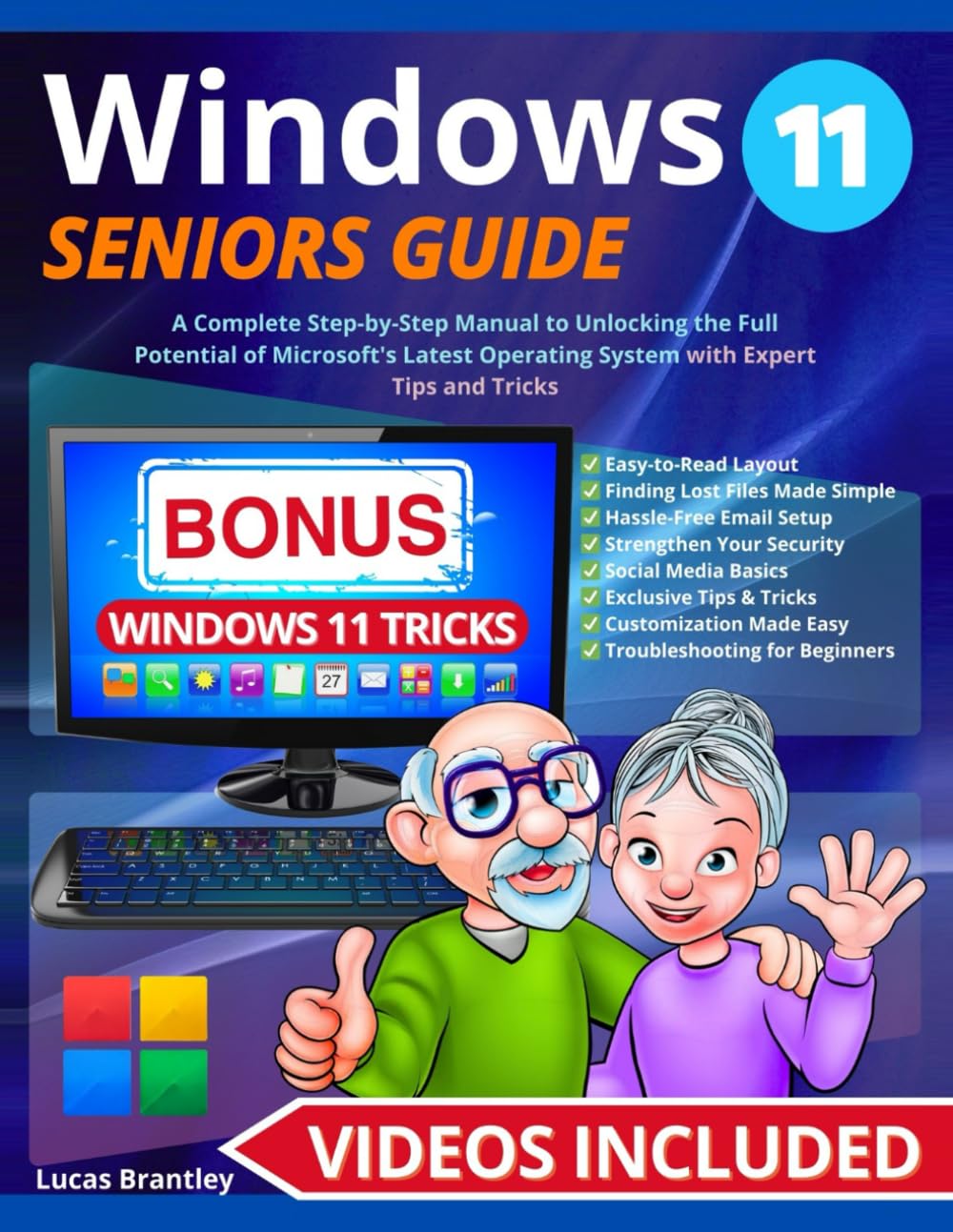
Windows 11 Seniors Guide
| Highlights |
|---|
| Clear step-by-step instructions |
| Large, helpful visuals |
| Beginner and senior friendly |
It offers clear, step-by-step instructions that make mastering Windows 11 a breeze for everyone—from beginners to seniors.
The large visuals are a major plus, guiding you through the essentials with ease and minimizing confusion.
While it keeps things simple, it covers all the basics you'd need to get started without feeling overwhelming.
Keep in mind, it's more of a foundational guide, so advanced users looking for in-depth tips might want to supplement it.
Overall, it's a friendly, accessible resource perfect for getting up to speed quickly.
Be sure to also check out the best dsl router modem combo for more options!